
Wheel Spinners
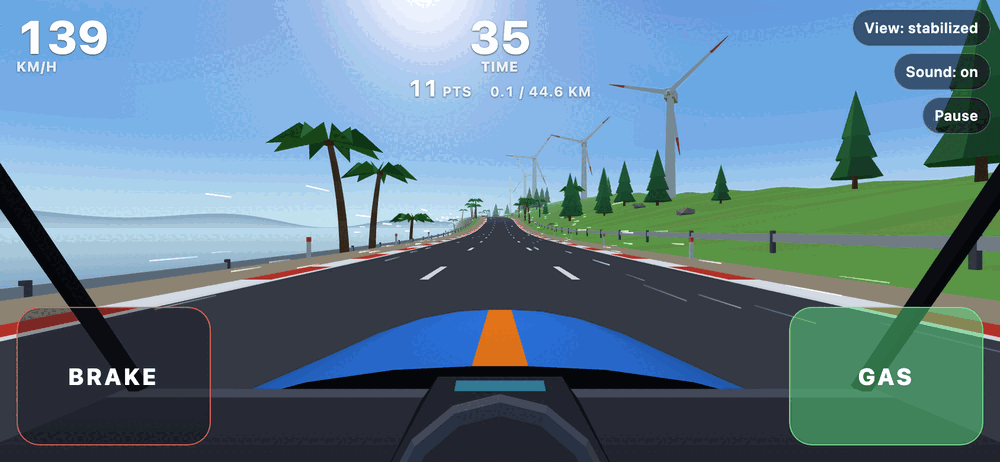
Wheel Spinners is a one-day road trip that you steer by turning your phone like a steering wheel. The world stays level in front of you while the screen turns with your hands. Drive 44.6 km from an afternoon coast road to a harbour town at night: overtake traffic, weave through road works, pick up checkpoint time and chase a score. There are three modes (Easy, Normal and Hard), weather, tunnels and a generated soundtrack, all in the browser. No app store and no account; scores stay on your device. It is an early experiment: motion steering needs a phone with motion sensors and, on an iPhone, Portrait Orientation Lock switched on.
Controls
Phone
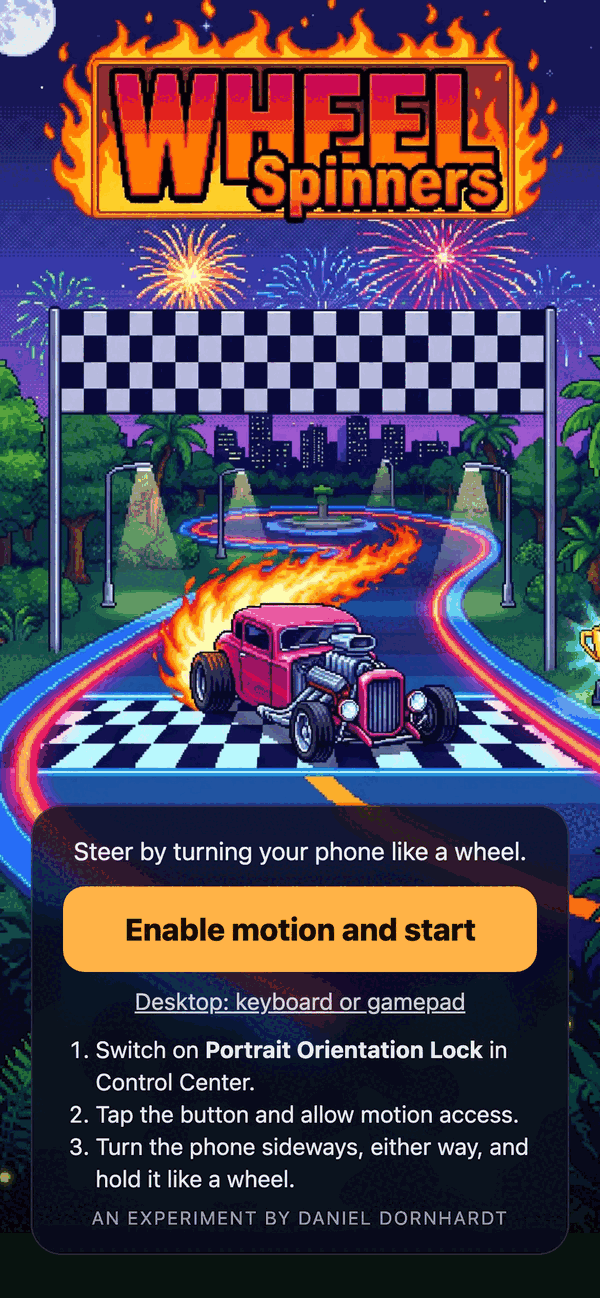
- Switch on Portrait Orientation Lock in Control Center.
- Tap "Enable motion and start" and allow motion access.
- Turn the phone sideways, either way, and hold it like a steering wheel.
- Turn it clockwise to steer right and counterclockwise to steer left.
- Gas is the pedal at the lower right of the screen, brake the pedal at the lower left.
- Toolbar at the upper right: View (stabilized or fixed), Sound (mute) and Pause. The Ready and Pause cards have a Sound link for the volume mixer (total, music, effects).
Desktop
- On the first page click "Desktop: keyboard or gamepad".
- Left and right arrows or A and D: steer.
- Up arrow or W: gas.
- Down arrow, S or space: brake.
- Enter: start, resume, drive again.
- Esc or P: pause.
- F: fullscreen.
- Gamepad: left stick or d-pad steers, right trigger (or A) is gas, left trigger (or B or X) is brake, Start pauses.
What you need
- Phones: iOS 16.4 or later (Safari), because the game uses import maps. The motion-sensor permission needs a secure page (https).
- Any recent desktop browser with WebGL works with keyboard or gamepad.
- After one visit the game also starts offline, and it can be added to the home screen.
Add it to your home screen
Then it starts like an app, full screen, and it keeps working without a connection.
iPhone
- Open the game in Safari.
- Tap the Share button.
- Tap Add to Home Screen, then Add.
Android
- Open the game in Chrome.
- Tap the menu (the three dots).
- Tap Install app or Add to Home screen.
Your scores stay on your device. There is no account and nothing is sent anywhere.