
The Documentation Pyramid
L1 - Vision: What is this?
A simple-yet-powerful way to structure Technical Documentation for your software projects. Built for human-agentic engineering workflows. Grab it on GitHub
It is all Markdown of course - always transparent, easy to access, easy to read - and easy to sling around together with the rest of your code.
A little structure is… perhaps not all you need, but sometimes helpful.
“A place for everything - and everything in its place.”
What I came up with, after some other attempts of using other documentation tools:
The Documentation Pyramid. A simple structure for the documentation necessary to implement a software system well. It is based on one of the concepts I always have in mind when working with code: lifting information up to the level where it’s needed, but no further.
A documentation pyramid for this article you’re reading… Congratulations: you have already made it past L1 and you can bail at any moment once you’ve seen enough :)
Example documentation pyramids
- Lua - Markdown pyramid (GitHub), the documentation of the Lua interpreter: see it in the viewer
- NetHack - Markdown pyramid (GitHub), the classic dungeon game: see it in the viewer
L2 - Architecture: Architecture
The Documentation Pyramid is built by describing the general purpose or Vision in business terms in one document that forms the uppermost level of the pyramid.
And by then adding additional layers further down the pyramid, each one in turn revealing more details about the systems and processes together constituting the entire software system as well as the necessary information about its construction.
(I know that traditional pyramids probably haven’t been built up from the uppermost bricks on downward, ok? :) )
But we’re building software here and for me it’s actually more effective to think about the purpose for the entire thing first (“Start with the end in mind”), and from then drilling down, layer by layer, into the separate subsystems composing our solution.
So we go from broad to precise, from general to specific:
- L1, the vision level: blurry but complete. What is this big thing we are working on?
- L2, the architecture level: the CTO whiteboard. The map of the territory.
- L3, the module level: deep dives. How each technical piece works.
- L4, operations: where the rubber meets the road. Howtos, todos, snippets, instructions.
Some documentation pyramid examples (Yes, there’s a viewer too):
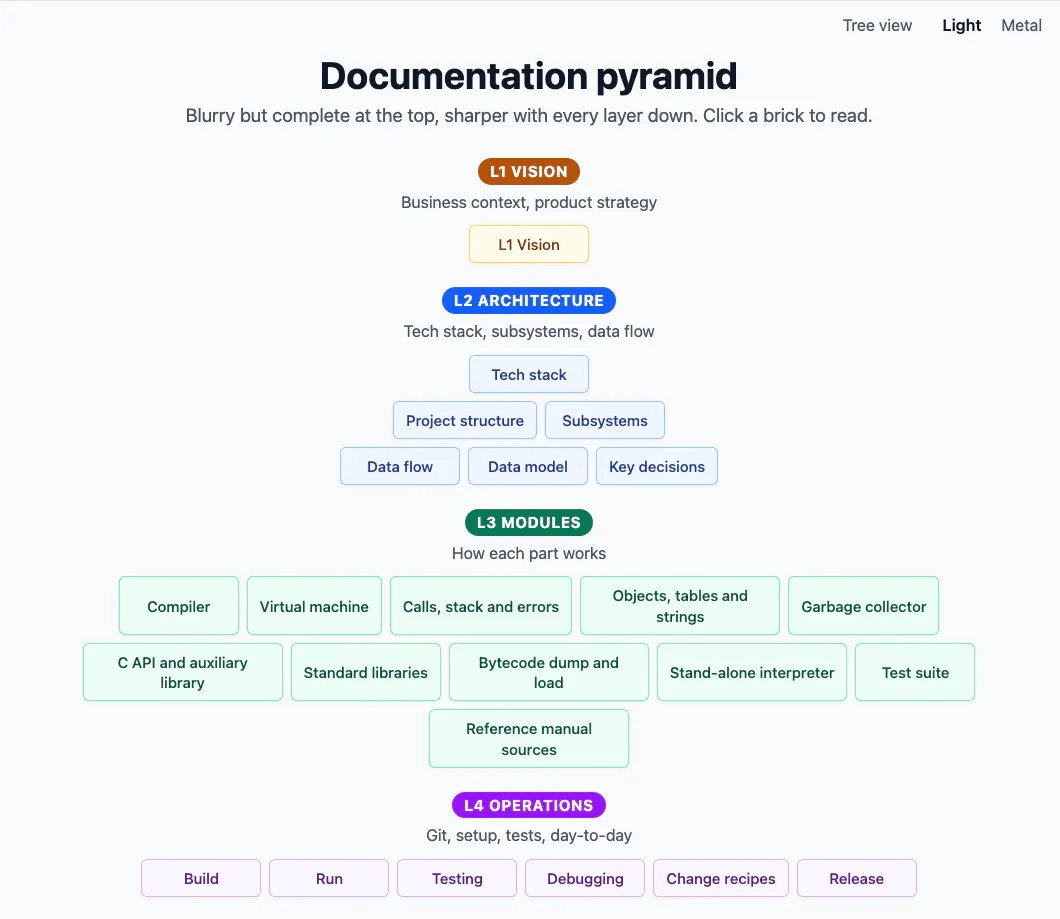 The Lua interpreter’s documentation pyramid in the viewer, light theme
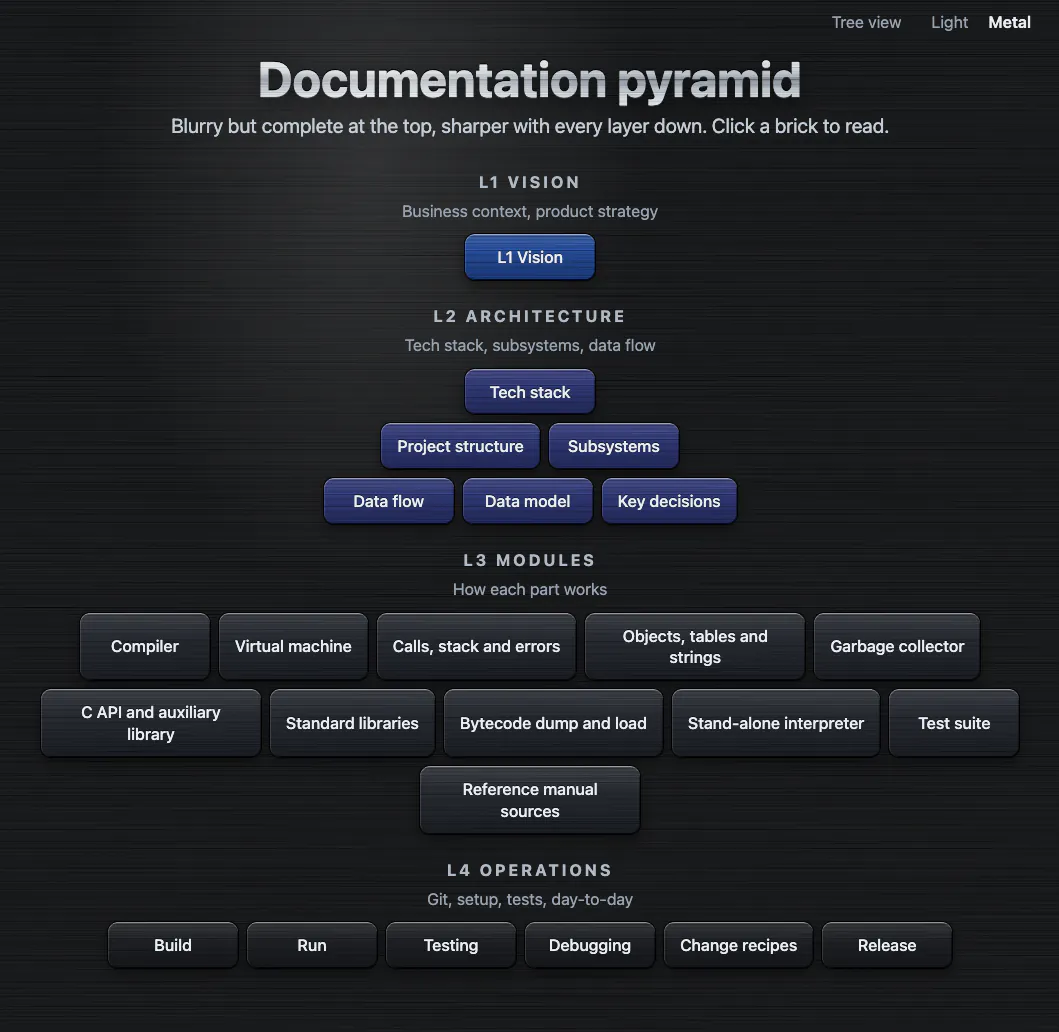 The Lua interpreter’s documentation pyramid in the viewer, metal theme
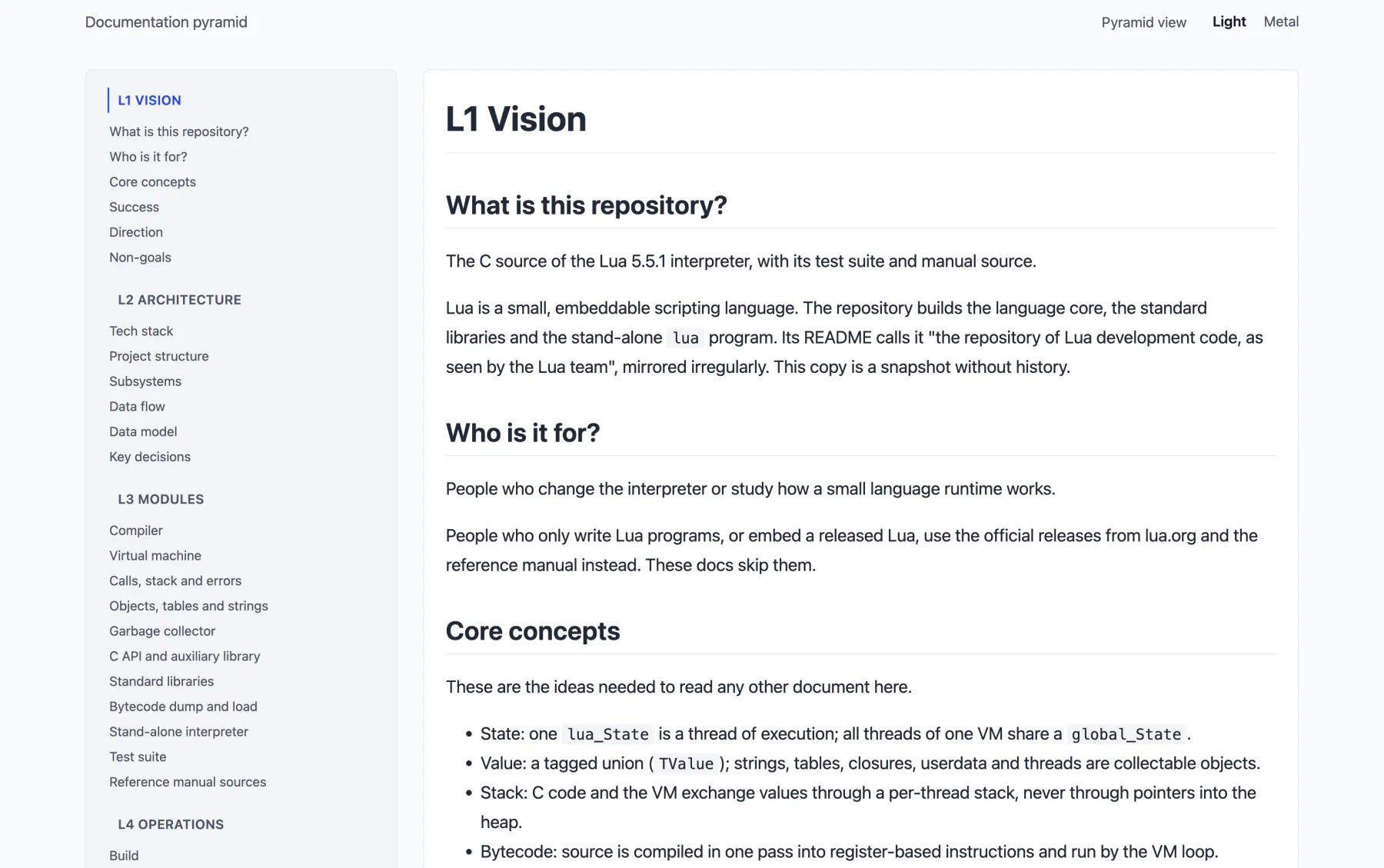 The Lua interpreter’s documentation as a tree, light theme
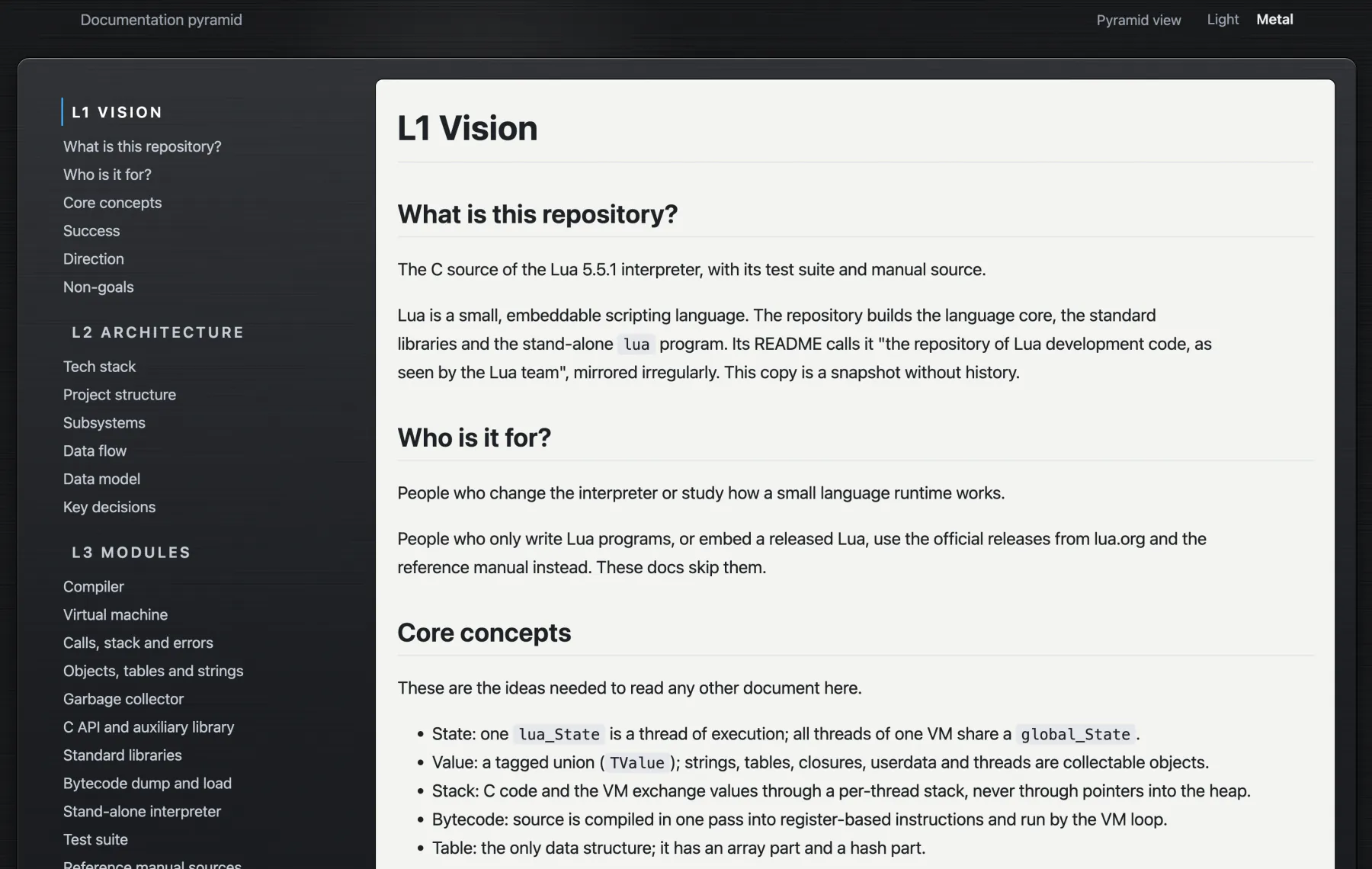 The Lua interpreter’s documentation as a tree, metal theme
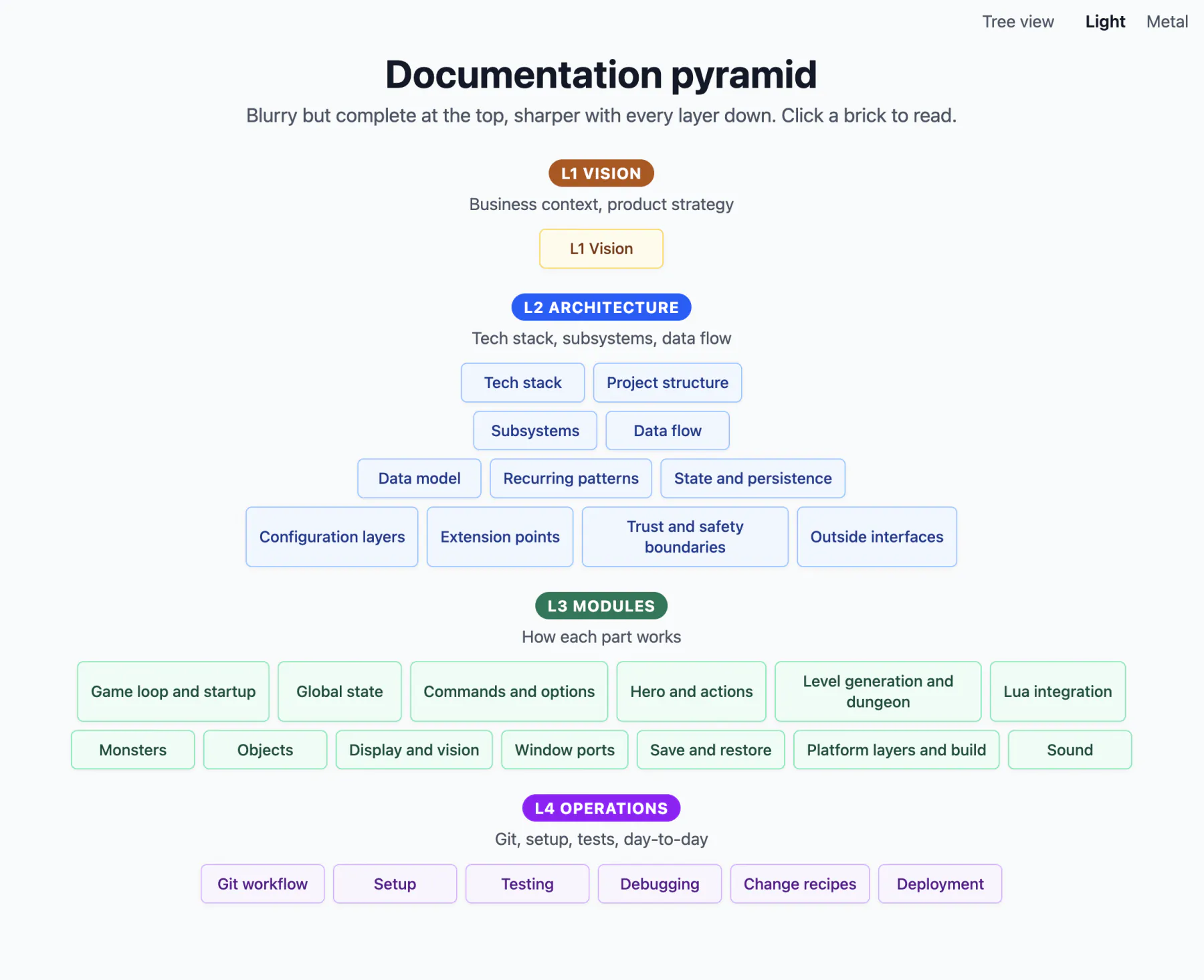 The NetHack documentation pyramid in the viewer, light theme
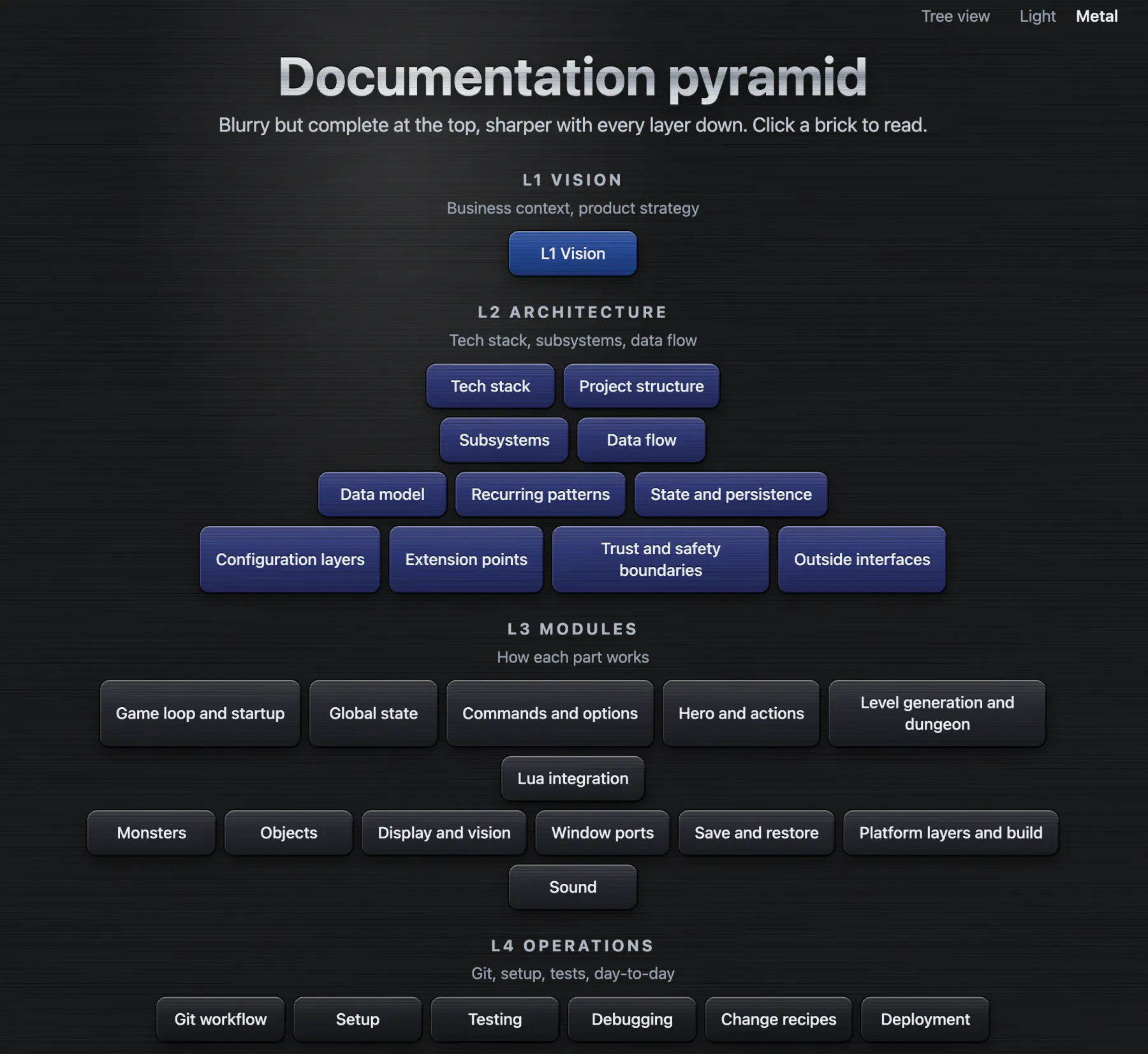 The NetHack documentation pyramid in the viewer, metal theme
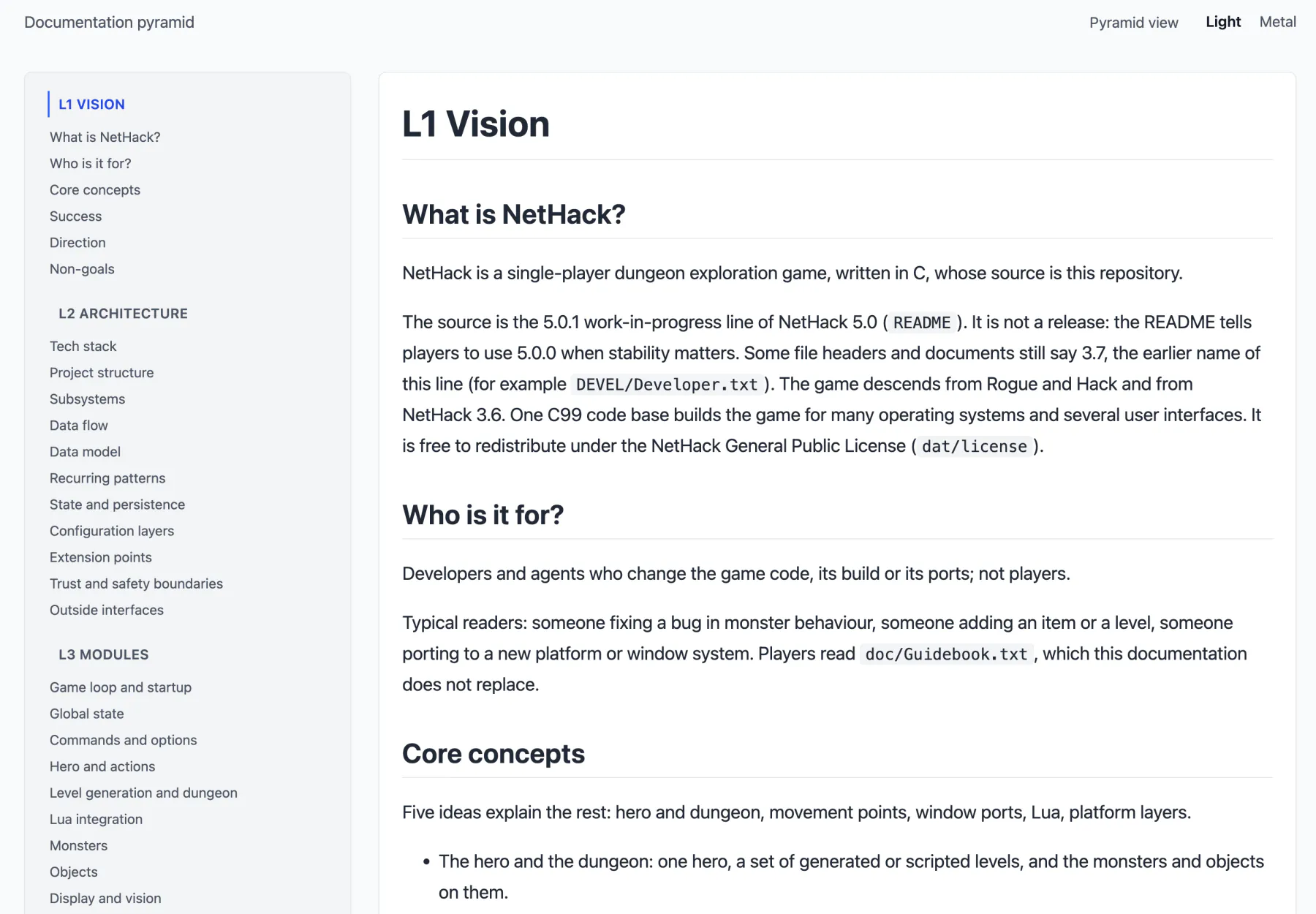 The NetHack documentation as a tree, light theme
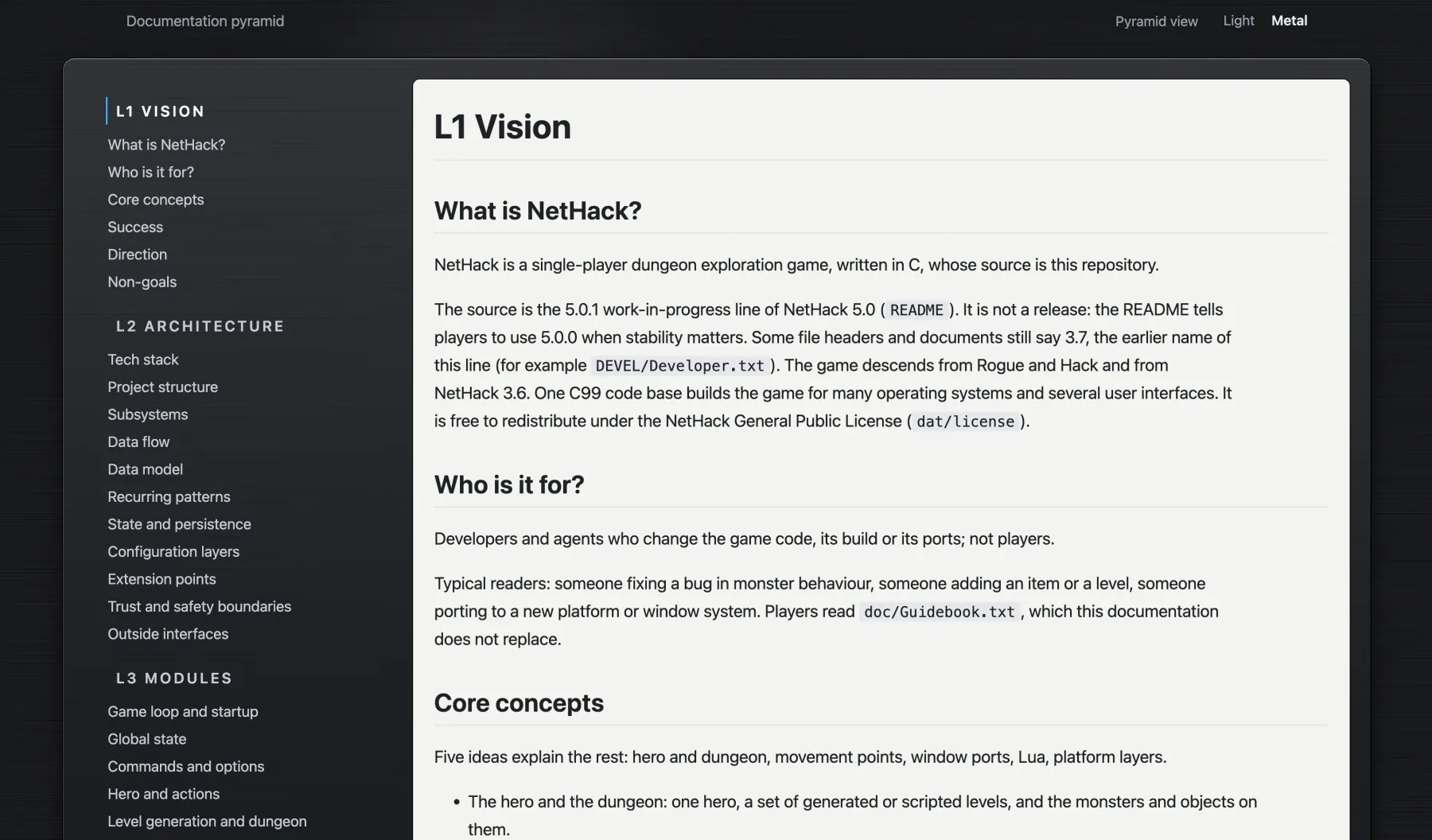 The NetHack documentation as a tree, metal theme
Pyramid Schemes or: the Wavelet Architecture
Think of the pyramid as “progressively loadable documentation”. If you load a progressive JPEG file1 over a slow connection, you can see that the first bytes of information give you a very blurry, but complete impression of the whole picture. With the arrival of additional bytes, the image becomes sharper and sharper, until all the available detail has been displayed. Very clever!
This is similar to looking at something from afar to coming closer to it and then becoming able to see more and more detail when you approach.
So, we’ll use the same thing to structure our documentation!
Using the hierarchical pyramid and tracing one or more paths from the top to the bottom, we can select all relevant information for a given task.
We can keep our agents’ context streamlined, but still sufficiently complete. They can just pick and choose from the available material!
Pro-Tip
If you have separate story writing and implementation workflows (a story → similar to an implementation plan for a task) - then a good strategy is: For every agent on the implementation team, you can pre-select which documents it should read before starting its work. This way you can bake the instructions for which documents to read into the implementation instructions and the implementers will not have to bother digging through the pyramid first themselves (though they still can if they want to later of course).
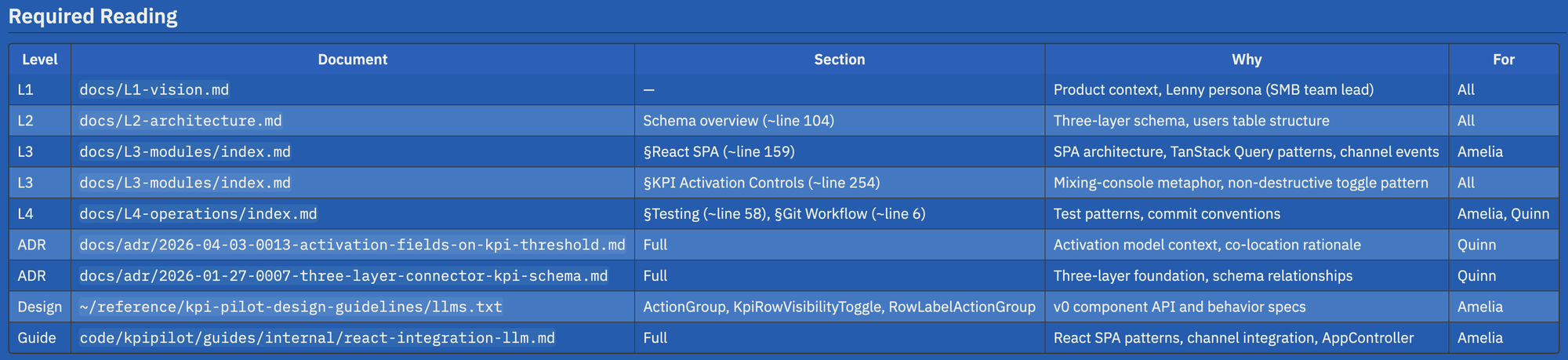
And for us humans it’s much easier to identify relevant pieces of documentation in the pyramid as well because it’s structured so clearly.
Grows up with your codebase
The Documentation Pyramid is meant to stay nimble when your project is small and to grow bigger together with your project.
Because we will update the existing pyramid in place during development, this will not be a sprawling collection of documentation which will grow into infinity.
No, this is supposed to stay a tightly focused, helpful, token- and brain-efficient resource.
L3 - Modules: Modules
The index.md as the router
You register the index.md in your CLAUDE.md or AGENTS.md: point to it, and from then on your agents will know how to use this Documentation Pyramid thingy.
The index.md inside the docs/ pyramid directory (or wherever you’ll put it, if you’re the individualistic type) contains basically two things:
- the instruction manual for agents on how to use the pyramid, and
- an index for the documents contained within the pyramid, one line per document.
The documentation is part of the code
This is not automated memory. This is the definition of what is correct and how it should be done for YOUR codebase, up to date and always available in every check-out of the project..
Treat it as code and update, commit, version and review it as part of the code. Make it part of the Definition Of Done and keep it in sync - this way the docs and the code at the point of the commit are in perfect harmony.
Use it to stay on top of the current structure and architecture of your system. Nothing in here should be superfluous. All of it, especially on the first three layers, should be impactful, important, and helpful to anybody reading it. So, you should treat this with as much respect as you would any source code changes.
Note
The documentation should be human-readable, human-reviewable, and NEVER become agentic spaghetti technobabble spam. Sorry my agent friends - nothing personal - you’re just sometimes a bit over-eager! :)
This is a good lever to actually review and stay on top of what happened, and what is the mental model of the agents and your colleagues and coworkers for this whole codebase.
A place to plan
Agents need to be able to derive the appropriate context for their tasks, fresh for every new session. And Humans need to be able to understand and review the software as it gets written by their agents.
So this pyramid is one place where these two meet. During planning, the human developer and the agents can lay out and discuss the shape of the solution. The build then follows that plan and updates the pyramid with the agreed schemas. Here’s an example from one of my projects:
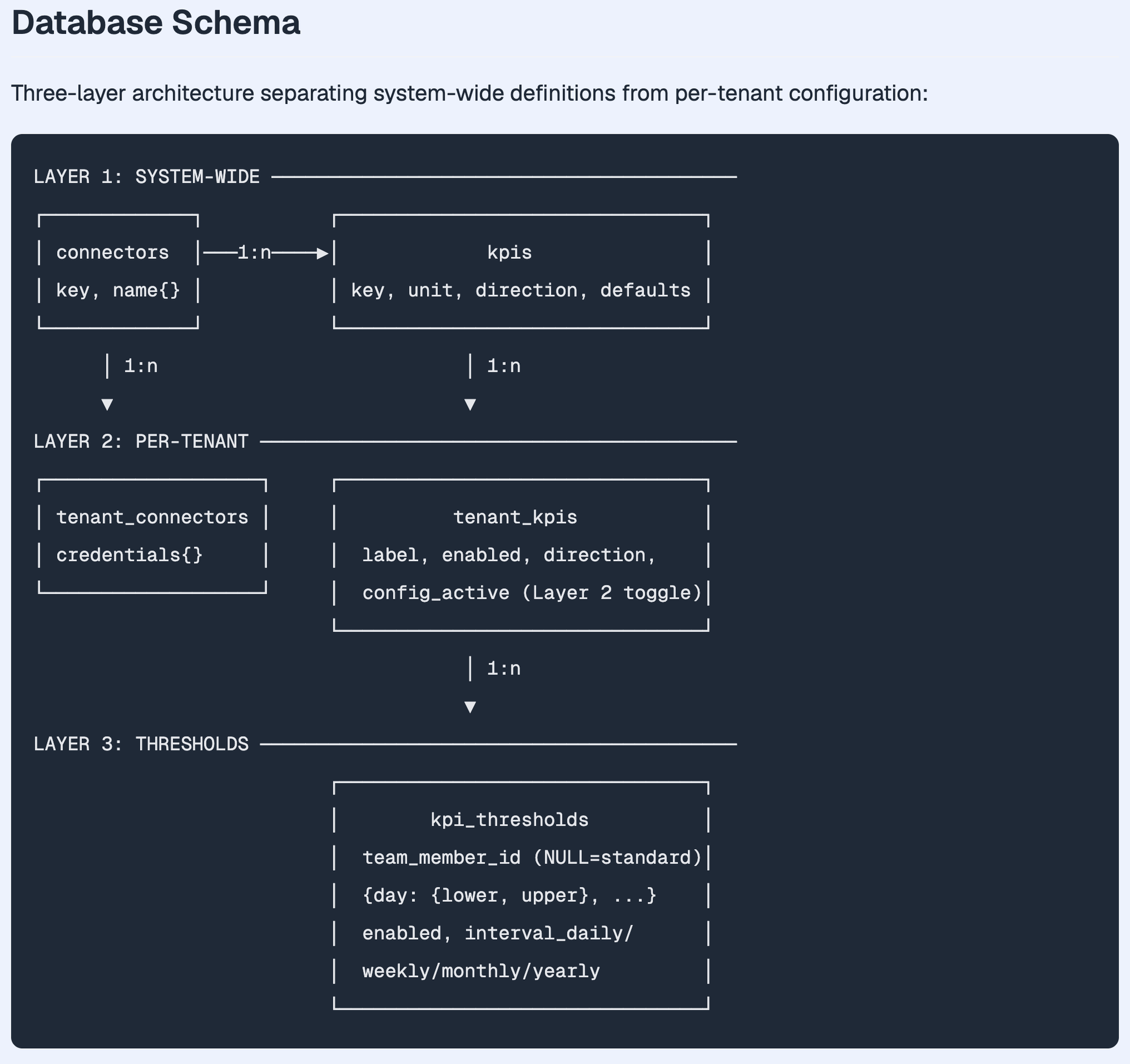
This way agents and humans can figure out whether their shared architectural vision is aligned AND it’ll give the human a warm fuzzy feeling that they’re still contributing valuable intelligence too! :D
Keeping it Up-To-Date
After updates have happened to our code, we want the docs to be kept in sync too, obviously.
So - we’ll have to hook that up somehow in our software development lifecycle.
There are a few possible options where I imagine that could happen, here are some I can fathom right now, in descending order of reliability:
- As one of the last points of your story implementation workflows (great!)
- As a general note / instruction in your
AGENTS.mdorCLAUDE.md(might be less reliable) - As part of a separate post-commit / push process, e.g. before a PR is created, automatically.
→ I think the documentation SHOULD, if possible, be part of the same commit as the code it is shipped with. That’s my counterargument to “ship it and let a separate stage do the docs update later”. I think the docs SHOULD be part of the product and be part of the deliverable.
So - the idea is - when the implementation of a story comes to a close, the agents should then carry out the update operation on the pyramid.
They should verify that their changes to the system are reflected in the documentation pyramid in the appropriate places.
Hint
I use it with BMad and tried it with OpenSpec. The README has starter prompts for those, for Matt Pocock’s skills, for Superpowers, and for any other agent.
Fancypants version:
This can even be pre-baked into the story. The research / story-writing agent can try to predict which parts of the documentation need to be updated by the tech writer agent after the implementation has been completed.
And then the review agents can actually cross-check against that and make sure the agent tasked with updating the docs actually did the updates, and did them nicely.
Prepare the details, diagrams and schemas during the planning, before the implementation; and let the agents verify the modules’ workings during the implementation, and add the finalized versions of the docs to the pyramid afterwards. Then wrap it all with a bow in a nice commit and ship it all: code, docs and everything! :)
The tech writer agent is free to add, collapse, or restructure documentation as he sees fit, but always according to the purpose, readability, and usability of the documentation. And of course, it’s very easy to do additional agentic passes to clean up the documentation or simplify it if it’s gotten out of hand.
L4 - Operations: Operations
Installation: Try it out in your project
If you want to try it, visit or point your agent at our GitHub page. Or paste this to your agent:
Set up The Documentation Pyramid in this project: read and follow https://github.com/DanielDornhardt/the-documentation-pyramid/blob/main/INSTALL.md
I chose a very basic instruction-based installation method on purpose. Because I feel this is more about the idea and a good initial structure to start from. It’s all pretty simple, but that doesn’t mean it’s not cool! :)
There are some additional tiny helpers and one or two micro-skills but most of it is just (agent) creature comforts. It should be pretty readable. NO FUNNY STUFF HERE! We try to keep it clean here where it counts.
From then on, you should make it your own for your own project. See what works for you and change it, adapt it to your workflows as you see fit. The agents are really good at helping you with this of course.
This leads us to:
Optional extra Layers & Customization
Optionally: Throw in some extra layers. It’s your pie, get cookin’! :)
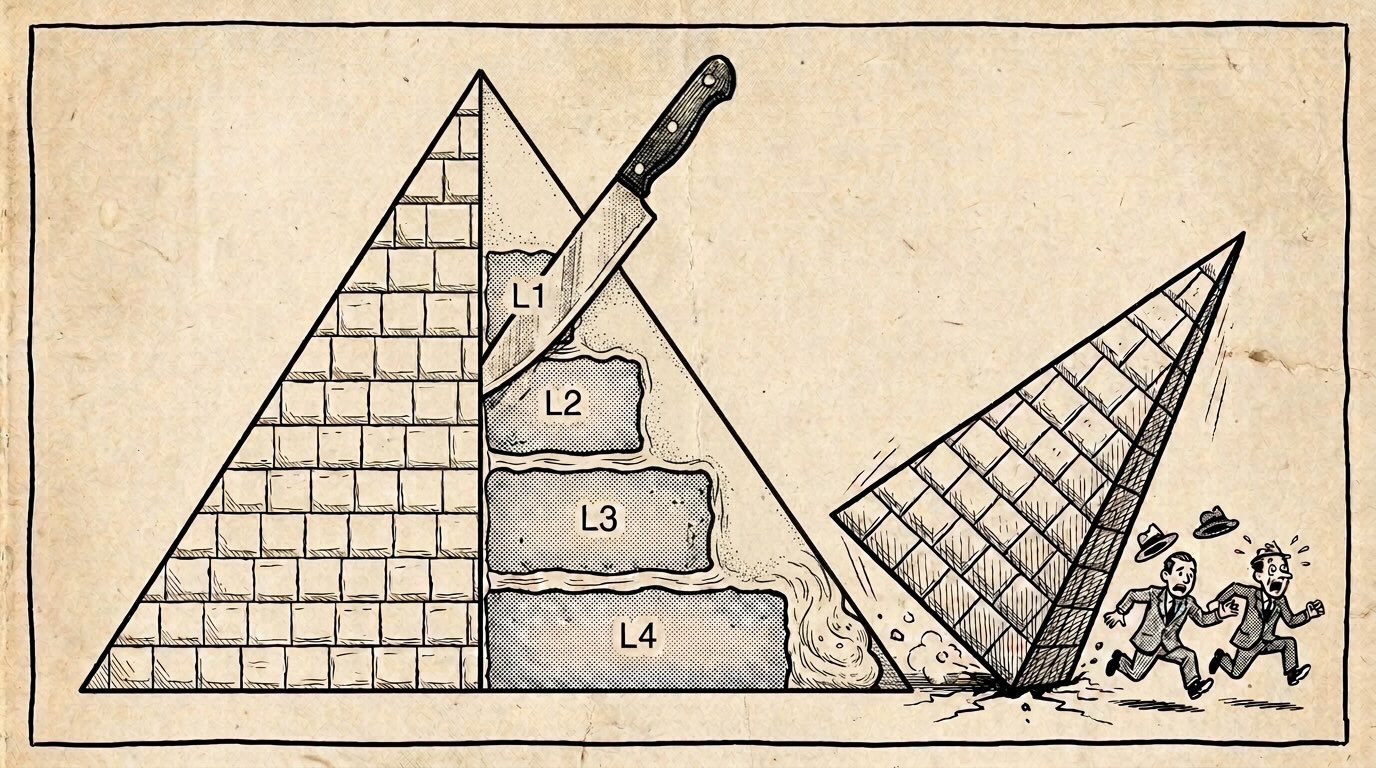
(Yeah, i’m a sugar afficionado and I can’t stop thinking about this as a layer cake instead of a pyramid sometimes…)
What I’ve used in the past as additional layers below Layer 4:
- The decisions - ADRs - Architectural Decision Records. If you use them in your system you can put them here.
- The story files that got you here. Allows agents to pick them up easily.
For example, I have customized this for different projects. In one project, I have all my story files in here, too - an additional layer below the ADRs, and I actually find them very useful as a simple place for agents and me to look at them again as a history of things that happened.
But I could also imagine additional layers being added or the existing ones redefined / used differently in different contexts. That’s completely cool too! If you have any ideas, I’d love to hear from you! :)
Add a Glossary
Another thing I like - and that is actually included in the setup, if you so choose:
The humble-but-strong Glossary of the domain language your software project uses.
Remember:
There are only two hard things in Computer Science: cache invalidation and naming things. – Phil Karlton
So… add a Glossary.md to your project if you don’t have one yet and define everything once and for all!
Even if it’s not directly part of the pyramid, it’s still helpful to clarify everything that’s written IN the pyramid!
I got reminded of this by Matt Pocock - Thank you Matt! He thought of bringing over concepts from Domain-Driven Design and other “classic” software development techniques into these agentic workflows, and I adapted this for my workflows.
The Pyramid Viewer
There is also a viewer that shows the layers as a picture of bricks or as a more traditional tree; the pyramid repo has two samples to open in it: the Lua interpreter and a recent NetHack commit (best game ever?!).
(Note: These were written in a single session from one snapshot of each project; a pyramid that grows with your project should end up with richer documentation.)
- Lua, the documentation of the Lua interpreter: see it in the viewer
- NetHack, the classic dungeon game: see it in the viewer
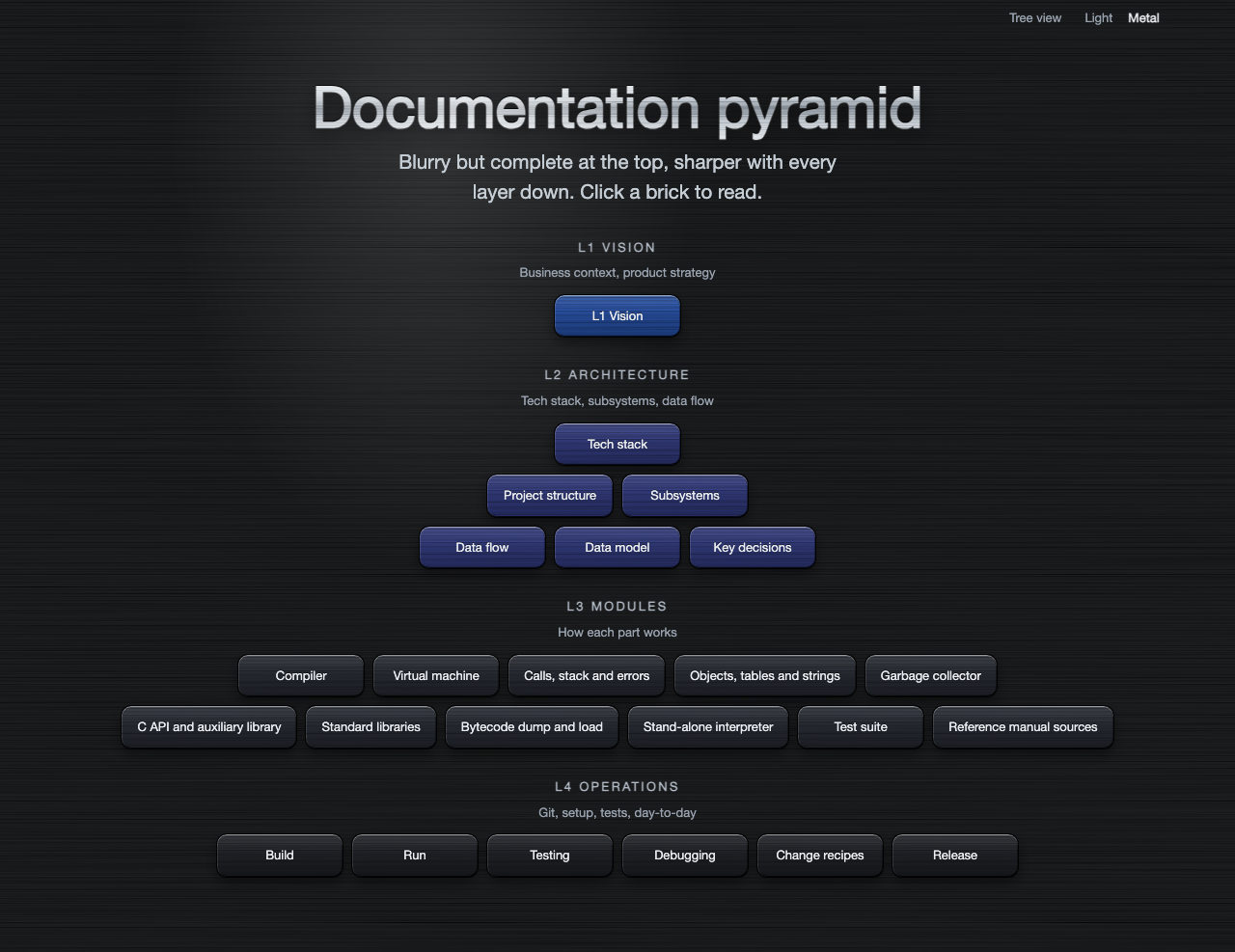
It shouldn’t be hard to create a documentation viewer based on these same principles and a few prompts for your favorite stack - be it Next.js (shudder!), Ruby on Rails or Python. I heard these software agents are becoming quite capable these days!
Feel free to point them at our viewer as a starting point!
FAQ
Q: But won’t this increase the number of tokens spent and/or in the context?
A: Yeah, maybe - if you’re looking purely at token counts in the abstract, that might be true…
But my feeling is that in longer-term projects this will pay dividends. Like with traditional software development, where developer hours were often expensive, but CPU time was cheap - I think the same thinking applies here too.
If the agents keep the project at a higher quality level over the long term, there will be fewer issues and problems once the project grows beyond the first handful of iterations. The longer the development carries on, the more requirements accumulate for the agents to be aware of; and not all of those may be easily deducible purely from reading the code.
Also the establishment of a domain language and a shared vocabulary and communication with the human “pilot” will keep bigger projects more manageable and enable higher quality in the long term.
Well, that’s at least, like, my opinion, man. :)
Q: Is this cake?
A: No.
BMad Method is a trademark of BMad Code, LLC; Claude and Claude Code belong to Anthropic; OpenSpec, Superpowers and Matt Pocock’s skills belong to their authors. The Documentation Pyramid is not affiliated with or endorsed by any of them.
-
Technically progressive JPEG uses the DCT, and wavelet compression has been added only in JPEG 2000, but it sounds so cool - wavelet compression DOES work like this. ↩